Smart TV
Check your TV model and its app store. Ask support which compatible IPTV player is available for your model.
Start with the device you already own. Check compatibility, choose a suitable player and follow the setup information supplied with your order.
Check your TV model and its app store. Ask support which compatible IPTV player is available for your model.
Choose a compatible player from the official app marketplace and follow the setup details supplied with your subscription.
Check that your selected player supports your operating-system version, then use the login details supplied after order confirmation.
Ask support about a compatible desktop player or browser option for your operating system.
Use a player from your official app store. A stable Wi-Fi connection can make initial setup and viewing easier.
Send your device model to support before ordering so compatibility and the required setup method can be confirmed.
1. Confirm your device model and compatible player with support.
2. Install the player from your device’s official app store.
3. Enter your supplied subscription details privately in the player and follow your setup instructions.
Restart your player and router, close unused apps and try a wired connection where practical. Test a lower picture quality to check whether the connection is the cause. Contact support if the problem continues.
Check the supplied server address and account details for typing mistakes. Confirm that your subscription is active. Share the error message and device model with support, without sending passwords in public messages.
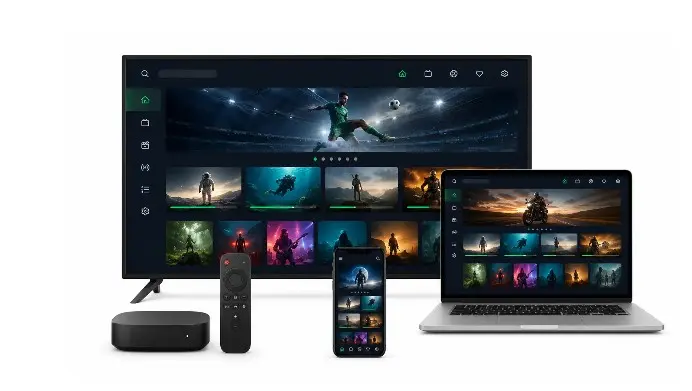
Compatible devices can use supported players. Ask support to confirm your plan’s simultaneous-connection allowance before watching on more than one screen at the same time.